How Many Days to Get PAN Card After Applying Online? (Processing Time + Delivery)
If you recently applied for a PAN card online, the most common question is: “How many days to get PAN card after applying online?” The answer depends on which type of PAN you applied for, your verification method, and whether you need only the e-PAN (PDF download) or a physical PAN card delivered to your address.
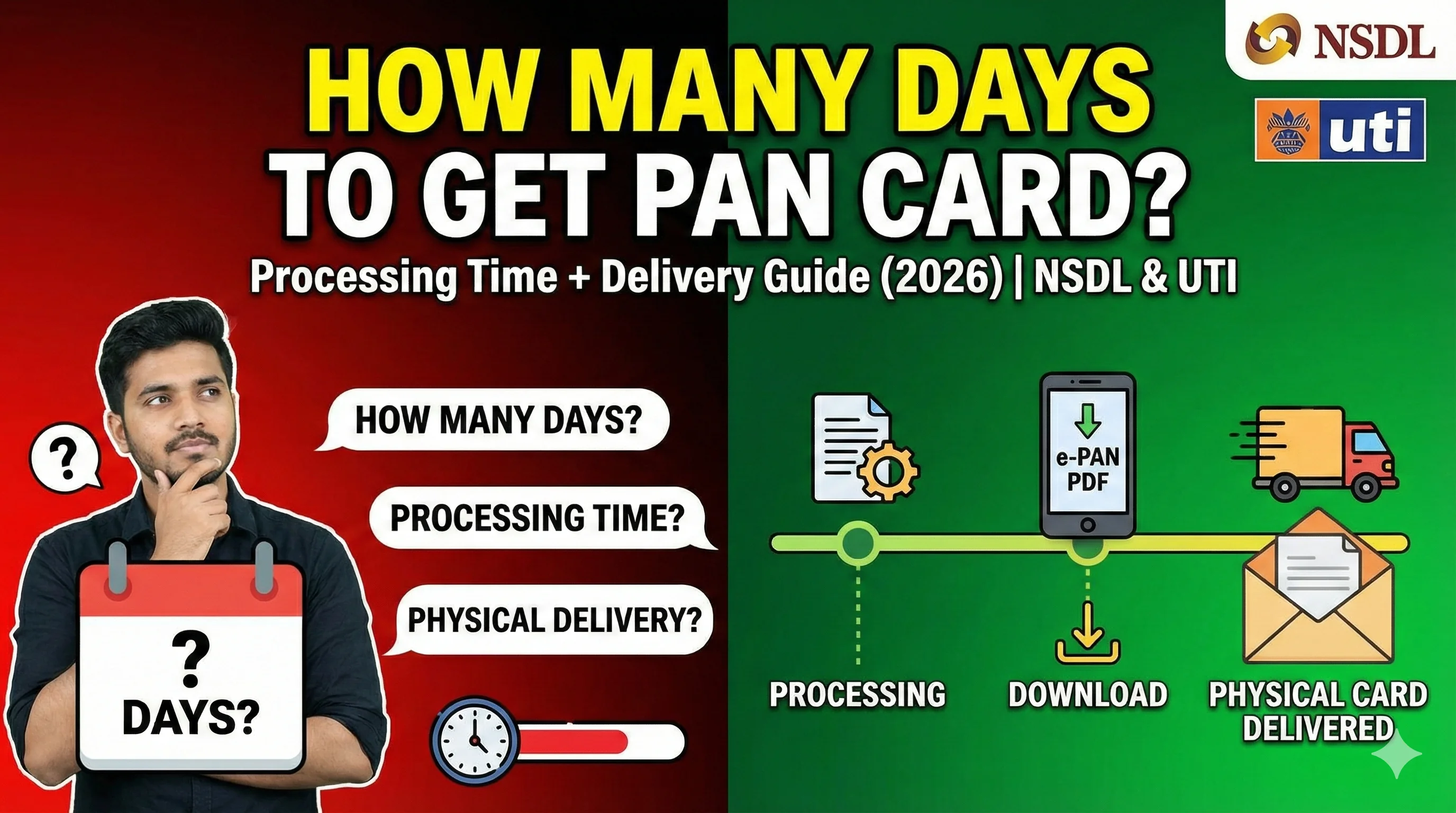
In this guide, you will learn:
- PAN apply processing time (new PAN, correction, reprint)
- PAN download time (when e-PAN becomes available)
- Physical PAN delivery time
- Why delays happen and how to fix them
- How to track your PAN card application status
If you want to download your PAN card PDF after approval, visit our main guide: PAN Card Download
PAN Card Processing Time: Quick Answer (Typical Timeline)
For most online applications, PAN processing follows this timeline:
1) e-PAN (PAN Card PDF Download)
Usually available within a few hours to 2 days. Depends on verification and portal updates.
2) Physical PAN Card Delivery
Usually delivered within 7 to 15 working days. Depends on courier and address location.
✅ How many days to get PAN card after applying online?
Most users get their e-PAN within 24–48 hours and the physical card within 1–2 weeks.
PAN Download Time vs PAN Delivery Time
A lot of users assume “PAN card” means only the physical card. But today, there are two things:
PAN Download Time
This means:
- When your e-PAN PDF becomes available online
- You can download it and use it for KYC instantly
PAN Delivery Time
This means:
- When the physical PAN card reaches your address via courier
Important: In many cases, your e-PAN is available earlier, even if the physical PAN card is still in transit.
How Many Days to Get PAN Card After Applying Online (Based on Application Type)
PAN apply processing time depends heavily on what you applied for.
1) New PAN Card Apply (Fresh PAN)
If you applied for a new PAN card online, processing time is usually:
- e-PAN: 1–2 days
- Physical PAN: 7–15 working days
New PAN applications may take longer if:
- Aadhaar OTP verification fails
- Name or DOB mismatch occurs
- Document upload is unclear
👉 For complete steps, see: PAN Card Apply
2) PAN Correction / Update Processing Time
If you applied for name correction, DOB update, address update, photo/signature update, then processing time is usually:
- e-PAN updated PDF: 1–3 days
- Physical updated card: 7–15 working days
Correction requests can take slightly longer because changes require verification and document checks are stricter.
3) Duplicate PAN / Reprint Processing Time
If your PAN card is lost, damaged, or not received, and you applied for reprint:
- e-PAN: 1–2 days
- Physical card: 7–15 working days
If you only want the PDF, you can download it after approval.
PAN Apply Processing Time (Portal Wise)
PAN is issued by the Income Tax Department, but processing happens through official providers like:
- NSDL / Protean — Most common provider for online PAN apply. Processing time usually fast. NSDL PAN Card Apply Guide
- UTIITSL — Another official PAN provider. Similar processing time. 👉 New PAN Card Apply
PAN Card Apply Processing Time: Realistic Range
Let’s be honest: portals show “instant” in many places, but in real life typical real processing time:
- Fastest: same day
- Normal: 1–3 days
- Sometimes: 4–7 days (if verification delays happen)
If your PAN is not available even after 7 days, it usually means: verification pending, documents rejected, or details mismatch.
How Long After Applying Can I Download PAN Card PDF?
This is one of the highest intent questions. PAN download time is usually:
- Within a few hours after approval
- Up to 24–48 hours for portal database updates
If you are trying to download your PAN card PDF and you see ❌ “Record not found”, that usually means: PAN not allotted yet, OR system not updated, OR you are using the wrong portal.
Why PAN Card Takes Time After Applying Online (Top Reasons)
Here are the most common reasons for delay:
- Aadhaar OTP Verification Not Completed — If Aadhaar verification is not done correctly, your application may remain pending.
- Document Upload Issues — Blurred photo, signature, or unclear proof documents can cause rejection or delay.
- Name / DOB Mismatch With Aadhaar — Even a small mismatch can stop approval.
- Payment Successful But Form Not Submitted — Sometimes payment is done but the application is not fully completed.
- Portal / Server Load — During peak season (ITR filing months), processing can slow down.
PAN Card Status: How to Check After Applying Online
To know the exact stage, you must track your PAN status. You can check status using:
- acknowledgement number
- mobile number / email (sometimes)
- DOB
PAN Card Delivery Time After Approval (Physical Card)
Once your PAN is approved, physical delivery usually takes: 7–15 working days. Delivery time depends on:
- your city/town
- courier speed
- address accuracy
- PIN code serviceability
If you entered an incorrect address, delivery may fail.
How Many Days to Get PAN Card After Applying Online (For Rural / Small Cities)
If you are in villages, remote areas, or far PIN codes, then delivery can take: 10–20 working days. But e-PAN download is still available early, and you can use it for most purposes.
Is e-PAN Valid Even If Physical Card Is Not Delivered?
Yes.
The PAN card PDF downloaded from official portals is: ✅ valid, ✅ digitally signed, ✅ accepted for KYC and banking, ✅ usable for income tax filing. So even if your physical PAN card is delayed, you can use the e-PAN.
PAN Download Time After PAN Approval (What to Do If It’s Not Available)
If your PAN is approved but not downloadable, try these fixes:
- wait 12–24 hours
- try again using the correct portal
- use the same DOB format
- check if you entered correct PAN number
PAN Card Apply Processing Time for Minors (Under 18)
Minor PAN applications may take slightly longer because guardian details required and extra document checks happen. Typical: e-PAN: 2–4 days. Physical PAN: 10–20 working days.
PAN Card Apply Processing Time for Businesses / Firms
Business PAN (Company, LLP, Partnership, Trust, Society) may take longer due to entity document verification, registration proof, and additional validations. Typical: e-PAN: 2–7 days. Physical PAN: 10–25 working days.
How to Speed Up PAN Card Processing Time
You can’t “force” faster approval, but you can avoid delays. Best practices:
- enter name exactly as Aadhaar
- use Aadhaar OTP verification if available
- upload clear documents
- use a valid mobile number for OTP
- double-check DOB format
PAN Card Not Received After 15 Days (What to Do)
If your physical PAN card hasn’t arrived after 15 working days:
- Step 1: Check status first — Track with acknowledgement number.
- Step 2: Check dispatch details — Some portals show courier tracking.
- Step 3: Apply for reprint (if needed) — If delivery failed, reprint may be required.
Common PAN Application Delay Messages (Meaning)
- “Under Process” — Your application is still being verified.
- “Payment Successful” — Payment done, but application may still be pending submission.
- “PAN Allotted” — PAN is approved. Now you can download e-PAN.
- “Dispatched” — Physical card sent through courier.
PAN Apply Processing Time: Final Summary
If you are wondering how many days to get PAN card after applying online: Most common timeline:
- e-PAN PDF download: 1–2 days
- Physical PAN delivery: 7–15 working days
If you applied recently and the portal shows record not found, wait 24–48 hours and try again.