PAN Card Download by Name and Date of Birth (Step-by-Step Guide)
If you are trying PAN card download by name and date of birth, you are not alone. Many people lose their PAN number and search for a way to download their PAN card using only basic details like Name + DOB.
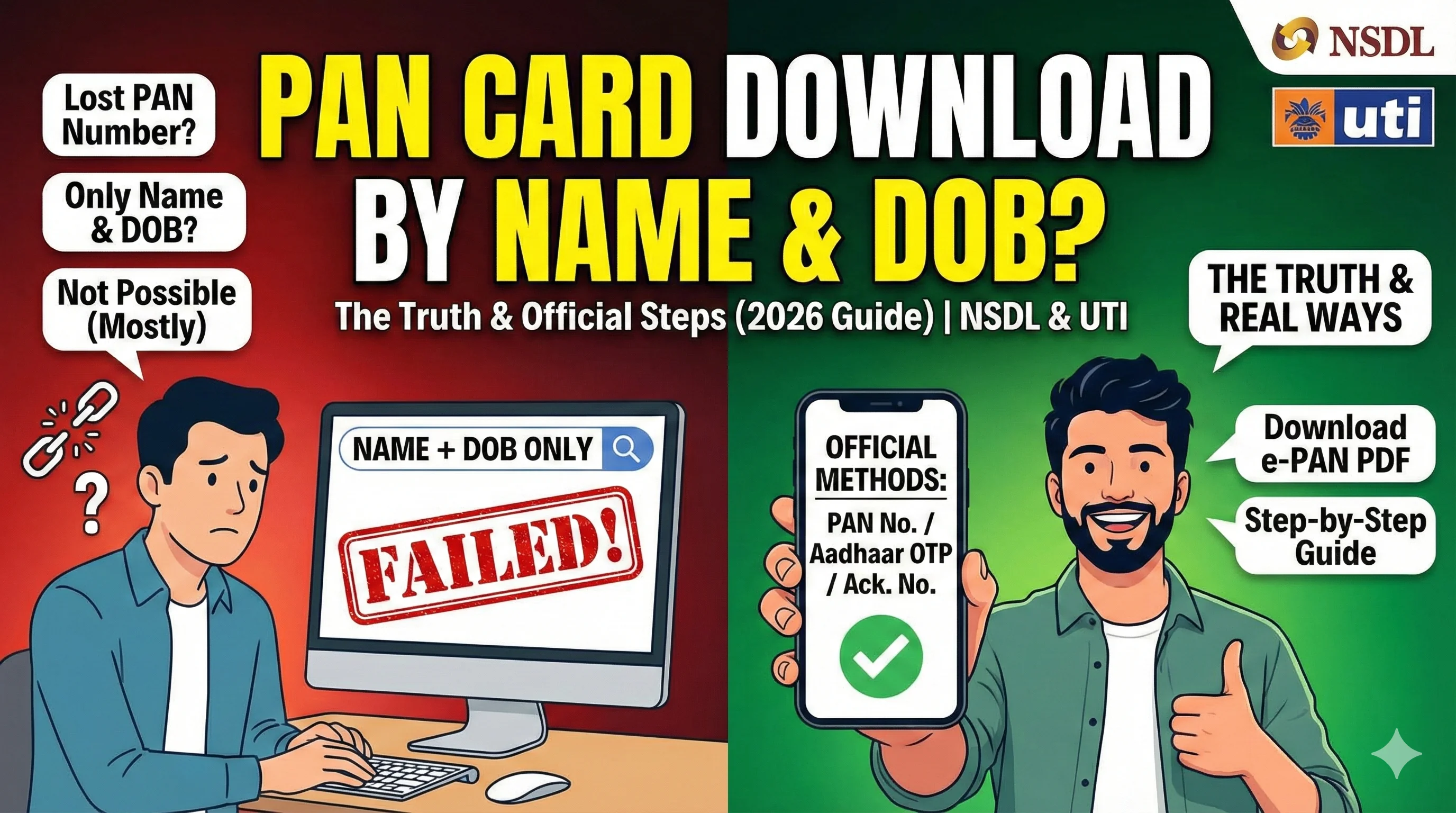
Before you waste time on random websites, here’s the truth:
- In most cases, official portals do not allow PAN card download using only name and date of birth.
- To download the PAN card PDF (e-PAN), you usually need your PAN number, acknowledgement number, or Aadhaar OTP (eligible cases).
If you want the complete hub for all official methods, visit our main guide: PAN Card Download.
Can You Download PAN Card by Name and DOB?
Directly? No, not in most cases.
Why?
PAN is an identity document. Your name and date of birth are not unique enough. Thousands of people can have the same name and DOB, so official portals require stronger verification.
What portals normally ask for:
- PAN number
- Acknowledgement number (if applied recently)
- Aadhaar OTP (Instant e-PAN method)
So if you only know Name + DOB, you must first retrieve your PAN number, then download the PAN card PDF using the correct portal.
Best Working Methods (Official + Practical)
Here are the methods that actually work for PAN download:
✅ Method 1: Download PAN Card Using PAN Number + DOB (Most Common)
Once you know your PAN number, you can download your e-PAN PDF from:
- NSDL / Protean portal
- UTIITSL portal
This is the most reliable and widely used method.
✅ Method 2: Download PAN Card Using Aadhaar OTP (Instant e-PAN)
If your PAN is linked with Aadhaar and you are eligible, you can download e-PAN using Aadhaar OTP.
➡️ If you want this method, read: PAN card download by Aadhaar number
✅ Method 3: Download Using Acknowledgement Number (If Applied Recently)
If you applied for a new PAN and still have the acknowledgement number, you can download your PAN card PDF from the same portal you used to apply.
Step 1: First Retrieve Your PAN Number (If You Don’t Know It)
Since PAN card download by name and date of birth is not direct, the first real step is retrieving your PAN number. Here are the safest ways:
Option A: Check Old Documents
Most people already have their PAN in:
- Bank account KYC documents
- Demat account records
- Previous ITR or Form 16
- Loan documents
- Insurance policies
- Salary slips
Even a photo of your old PAN card can help.
Option B: Check Your Email / SMS
When PAN is allotted, many users receive:
- PAN allotment email
- SMS confirmation with PAN number
Search in Gmail:
- “PAN allotted”
- “Income Tax Department PAN”
- “Protean PAN”
- “UTI PAN”
Option C: Ask Your Bank or Employer
If you submitted PAN for KYC earlier, your bank or employer often has your PAN number on file.
Step 2: Choose the Correct Portal (NSDL vs UTIITSL)
After you get your PAN number, the next step is choosing the correct portal for download.
Use NSDL/Protean if:
- You applied via NSDL portal
- Your acknowledgement starts with NSDL reference
- Your PAN was processed by Protean (NSDL)
Use UTIITSL if:
- You applied via UTIITSL portal
- Your PAN was processed by UTIITSL
Use Income Tax e-Filing if:
- You want Instant e-PAN
- Aadhaar OTP method is available
- PAN is linked with Aadhaar
How to Download PAN Card PDF After You Get PAN Number
Once you have the PAN number, the download steps are very simple. Step-by-step:
- Open the correct portal (NSDL or UTIITSL)
- Enter your PAN number
- Enter your Date of Birth (DOB)
- Verify OTP on your registered mobile number
- Download the PAN card PDF (e-PAN)
This is the correct way to download PAN card online without confusion.
PAN Card PDF Password (Important)
After your PAN card PDF download, you may notice the file is password protected. The most common password format:
✅ Your DOB in DDMMYYYY format
Example:
DOB: 14/07/1999 → Password: 14071999
If the password does not work:
- Check if you entered the wrong DOB during download
- Try the DOB exactly as per PAN record
Why “PAN Card Download by Name and DOB” Search is So Common?
People lose their PAN card, forget their PAN number, only remember basic details like name and date of birth, and urgently need PAN for KYC or tax work. But the official system is designed for security, so name + DOB alone is not enough.
What If You Still Cannot Download PAN Card?
If you tried the official portal and still cannot download, the issue is usually one of these:
1) Record Not Found
This happens when:
- PAN is not allotted yet
- You are using the wrong portal
- PAN details are not updated in the database
Fix:
- Wait a few hours (sometimes 24–48 hours)
- Try the other portal if unsure
- Double-check PAN and DOB
2) OTP Not Received
Fix:
- Wait 1–2 minutes
- Use resend OTP
- Check SMS inbox and network
- Try later if server is slow
3) Details Not Matched
Fix:
- Use DOB exactly as per PAN record
- Ensure PAN number is correct
- Avoid extra spaces or typing mistakes
4) PDF Not Opening
Fix:
- Use DOB DDMMYYYY password
- Download again if file is corrupted
Alternative: If PAN is Lost, Apply for Reprint
If your PAN is lost or damaged and you need a physical copy, you should apply for reprint. Reprint is different from download because:
- It is a service request
- It may have fees
- Physical card is delivered to your address
➡️ Full guide PAN Card Reprint Status
Quick Summary
If you want PAN card download by name and date of birth, remember:
- Official portals usually do not allow download only using name + DOB
- First retrieve your PAN number
- Then download e-PAN PDF from NSDL or UTIITSL
- For eligible users, Aadhaar OTP method can work
FAQ
Final Note (Important): This page provides informational guidance for PAN card download. Always use official portals and avoid websites that ask for unnecessary payments, OTPs, or personal details.