PAN Reprint Not Delivered? Tracking, Delay & Return Solution (2026)
If you applied for PAN card reprint and the status shows “Dispatched”, but you still haven’t received the PAN card, this is a common delivery issue. This guide explains how to track your PAN reprint properly and what to do if your PAN reprint is not delivered, even after dispatch.
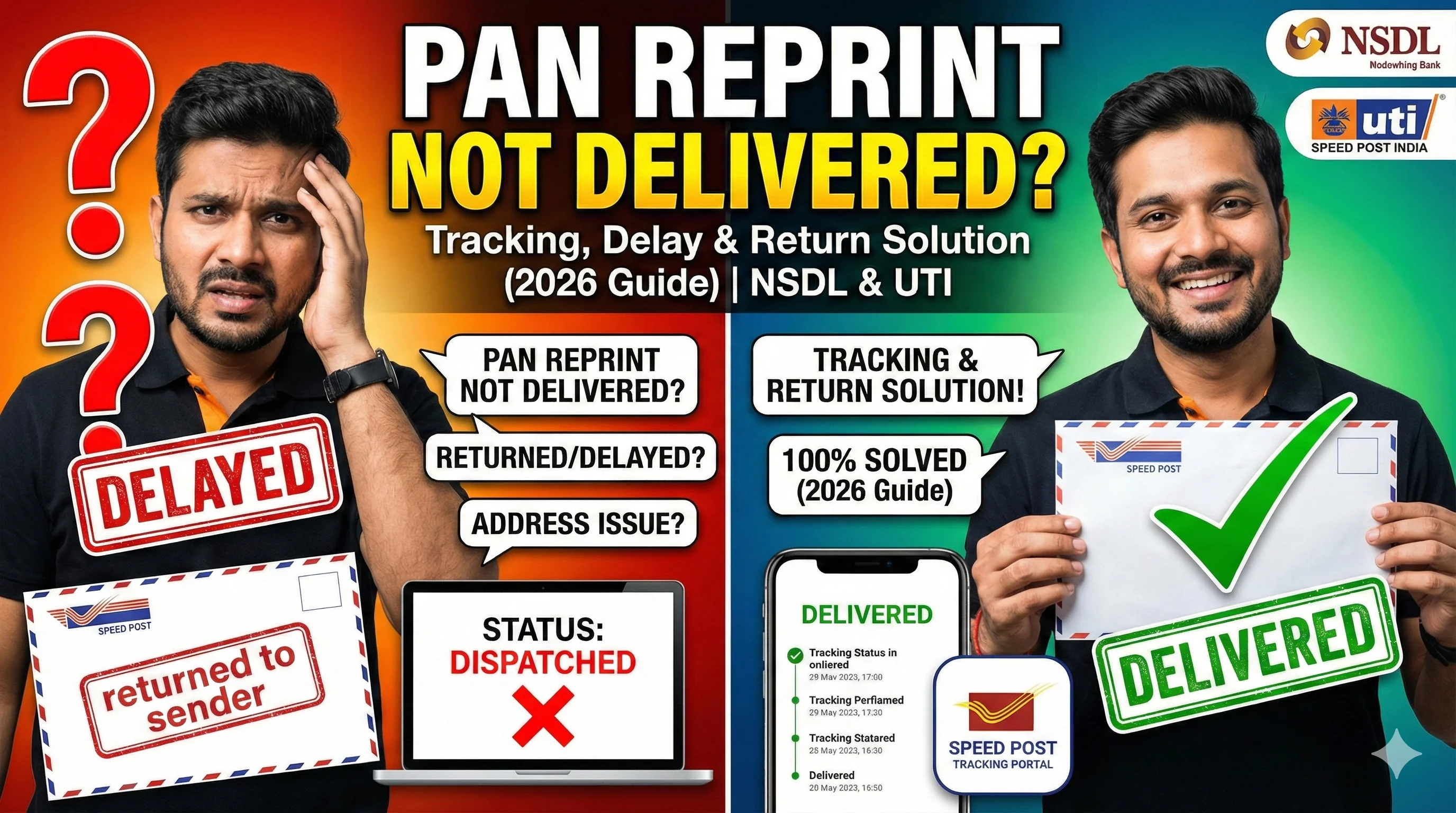
It usually happens because:
- Speed Post delivery is delayed
- delivery attempt was missed
- the parcel is held at the post office
- the address is incomplete
- the PAN card is returned to sender
Before Anything: Confirm Your PAN Reprint Status Stage
Many users assume “dispatched” when the request is still: under processing, approved, or printed (dispatch not started yet). So first confirm your real stage.
👉 Check here: PAN card reprint status
Step 1: Track Using the Correct Portal (NSDL vs UTI)
PAN reprint tracking depends on where you applied.
If you applied through NSDL (Protean)
You need: acknowledgement number, DOB
👉 Use: NSDL PAN card reprint guide
If you applied through UTIITSL
You need: application/reference number, DOB
👉 Use: UTI PAN card reprint guide
⚠️ Checking the wrong portal is the #1 reason people see “Record not found”.
Step 2: Find Your Dispatch Tracking Number (Consignment ID)
Once your PAN reprint is dispatched, the portal may show a: consignment number, tracking ID, or Speed Post reference number. If tracking number is missing: Don’t worry — it often appears 24–48 hours after dispatch.
Step 3: Track Delivery Updates (What Each Status Means)
When you track Speed Post/courier, you may see these messages.
| Tracking Update | Meaning | What You Should Do |
|---|---|---|
| Item Dispatched | Parcel left printing/dispatch center | Wait 1–3 days |
| In Transit | Parcel moving between hubs | Wait and track daily |
| Out for Delivery | Postman will deliver today | Be available at address |
| Delivery Attempted | Nobody received it | Visit post office ASAP |
| Held at Post Office | Parcel kept for pickup | Collect with ID proof |
| Returned to Sender | Delivery failed | You may need reprint again |
| Delivered | Marked delivered | Check with family/security |
This table is the most important part for solving “PAN reprint dispatched but not received”.
PAN Reprint Delivery Delay – How Long is Normal?
Most PAN reprints are delivered within: ✅ 7–12 days (including processing + delivery). However, delivery delay is still normal up to: ⚠️ 15 days in many cities and remote PIN codes. If your PAN reprint is not delivered even after 15 days, you should treat it as a delivery failure and take action.
PAN Reprint Dispatched But Not Received – What to Do (Real Fix)
If your PAN reprint is dispatched but not received, follow this exact sequence.
1) Check “Out for Delivery” Days
If tracking shows out for delivery, be available: at home, at office reception, near security gate. Many deliveries fail because nobody receives the envelope.
2) If Delivery Attempted → Visit Post Office
If tracking shows delivery attempted, don’t wait. Go to your local post office with: tracking ID, Aadhaar / ID proof. Most Speed Post parcels are kept for a limited time before returning.
3) If Held at Post Office → Collect It
This is actually good news. It means your PAN card is safe, and you can collect it.
4) If In Transit for Too Long
If tracking is stuck in transit for more than 4–5 days, it usually means: backlog at sorting hub, regional delay, or route transfer delay. Keep tracking daily for 2–3 more days.
PAN Reprint Returned to Sender – What It Means & What to Do
If your tracking shows Returned to Sender, it usually happens due to: incomplete address, wrong PIN code, addressee not available, unclaimed at post office, or address changed.
Can you get the same PAN delivered again?
In most cases, no. Returned PAN cards are usually not re-delivered automatically. What you should do next: You should apply for PAN reprint again with the correct address.
👉 Apply again from: PAN card reprint online guide
Address Tips to Avoid Return (Very Important)
When reapplying, ensure your address includes:
- flat/house number
- street name / locality
- correct city
- correct PIN code
- landmark (recommended)
This single step prevents most “PAN reprint returned” problems.
Status Shows Delivered But PAN Not Received – What to Do
This situation is common and frustrating. If tracking shows delivered but you didn’t receive PAN: First check: family members, neighbours, building security, office reception. Then do this: visit post office with tracking ID, ask for delivery details. If the PAN card is truly missing, the simplest option is applying for reprint again.
PAN Reprint Not Delivered Because You Changed Address?
If your address has changed recently, your PAN delivery may fail. In that case, the correct order is: update address in PAN, then apply reprint.
👉 Track address update here: PAN card update status
Action Plan (Day-wise) – PAN Reprint Not Delivered
This is the easiest way to solve the issue without confusion.
- Day 1–2 (After Dispatch): wait for tracking number update; check status again after 24 hours.
- Day 3–7: track daily; watch for “out for delivery”; collect if held at post office.
- Day 8–15: visit post office if delayed; confirm if delivery failed.
- After Day 15: if returned or stuck, apply again with correct address. 👉 PAN card reprint online
FAQ
Disclaimer: This website is an informational guide for PAN services. We are not affiliated with NSDL (Protean), UTIITSL, India Post, or the Income Tax Department. Always use official portals for PAN services.